

Description
Download BlackPlayer EX – music player, android music app, audio player, music app, mp3 player
Overview
BlackPlayer EX is a dedicated music player application designed for Android devices, offering a streamlined experience for managing and playing audio files. As part of the MP3 & Multimedia Apps category, it serves users seeking a reliable and functional tool to organize and enjoy their music collections. The app is tailored for individuals who value clean design, efficient playback, and customization options without the clutter of unnecessary features. It supports Android 4.3 and above, making it accessible to a broad range of older and newer devices.
Designed primarily for personal audio consumption, BlackPlayer EX addresses common pain points such as limited playback controls, poor playlist management, and lack of customization in default music players. It is suitable for both casual listeners and audiophiles who prefer a lightweight, focused application. The app is available in English and does not require a subscription or paid upgrade, as it is offered as a free download.
Real-world usage scenarios include daily commutes, workout sessions, background listening during work, and home entertainment. Its presence in the market since 2017 indicates a long-standing commitment to stability and core functionality. While download statistics are limited, the app continues to serve its niche audience with consistent performance and regular updates, as evidenced by the last update on February 6, 2017.
Key Features & Capabilities
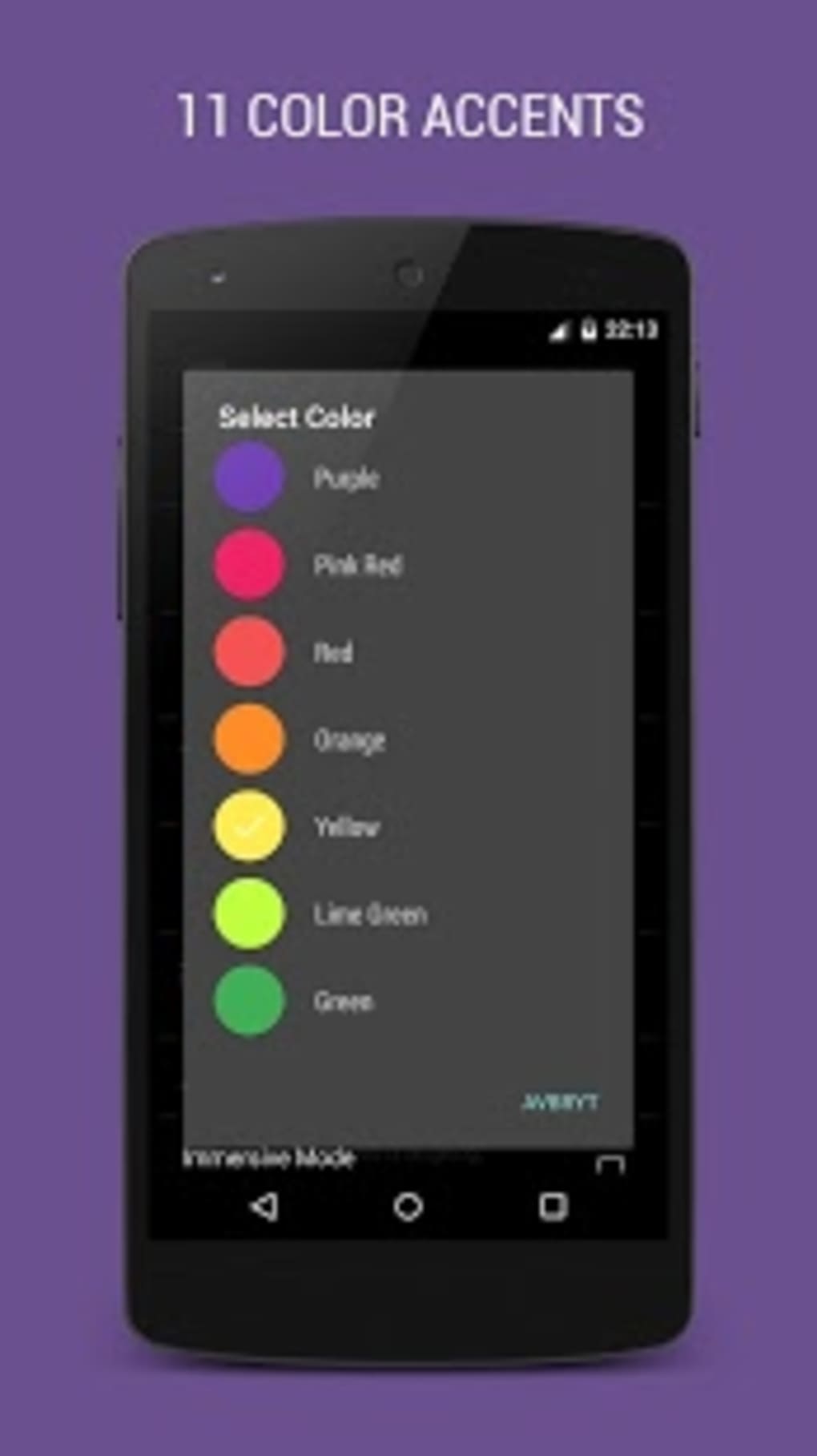
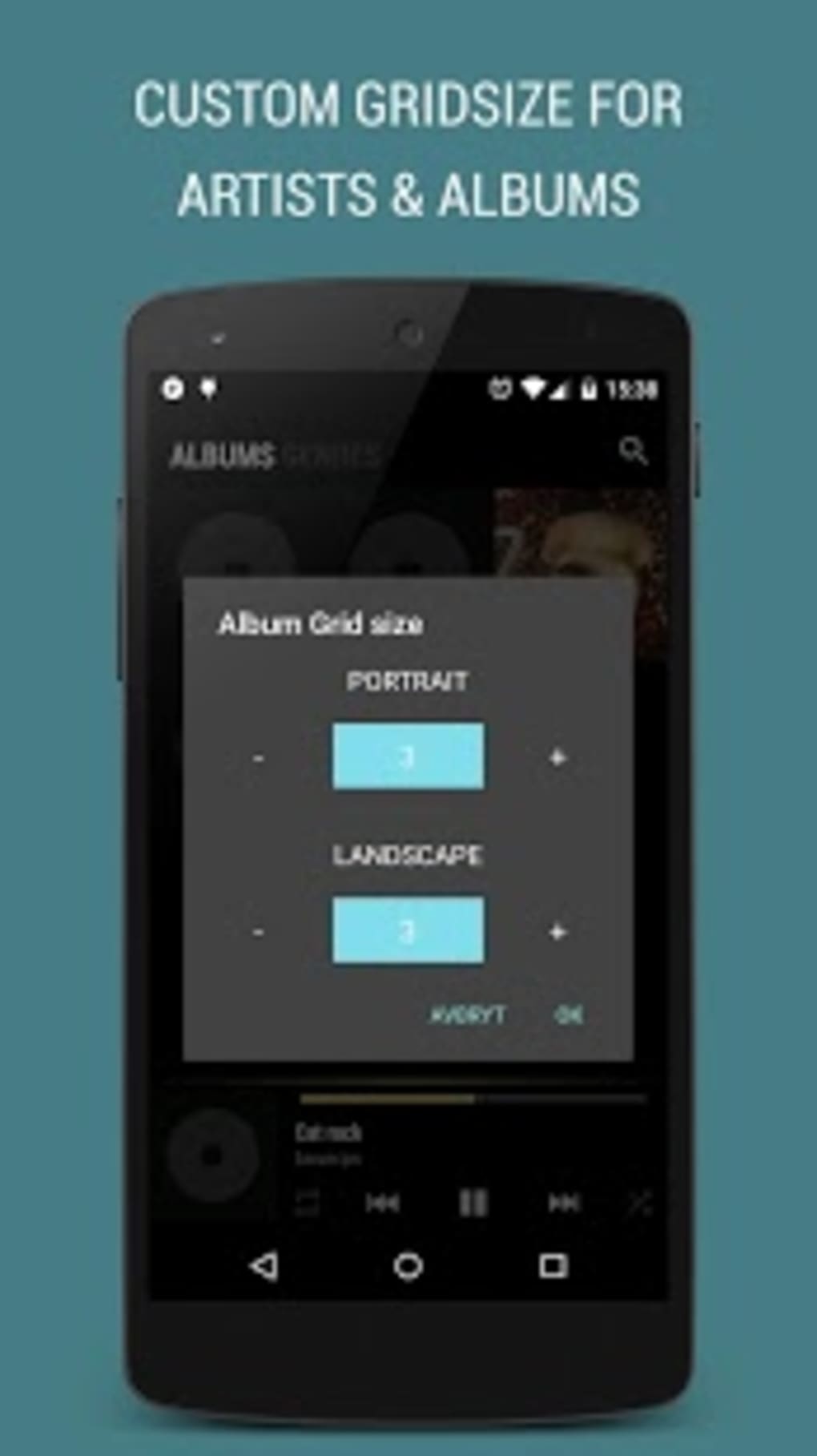
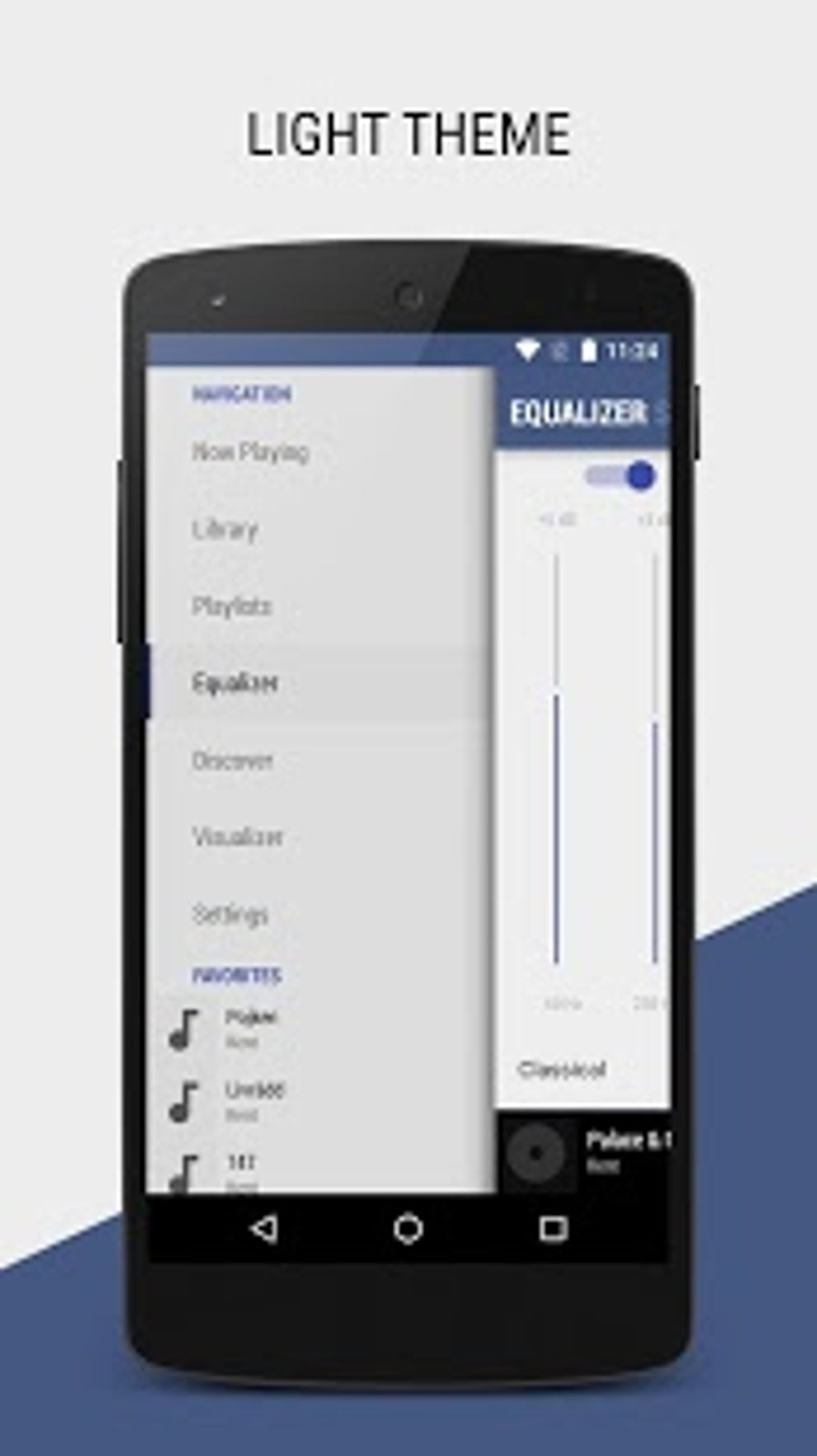
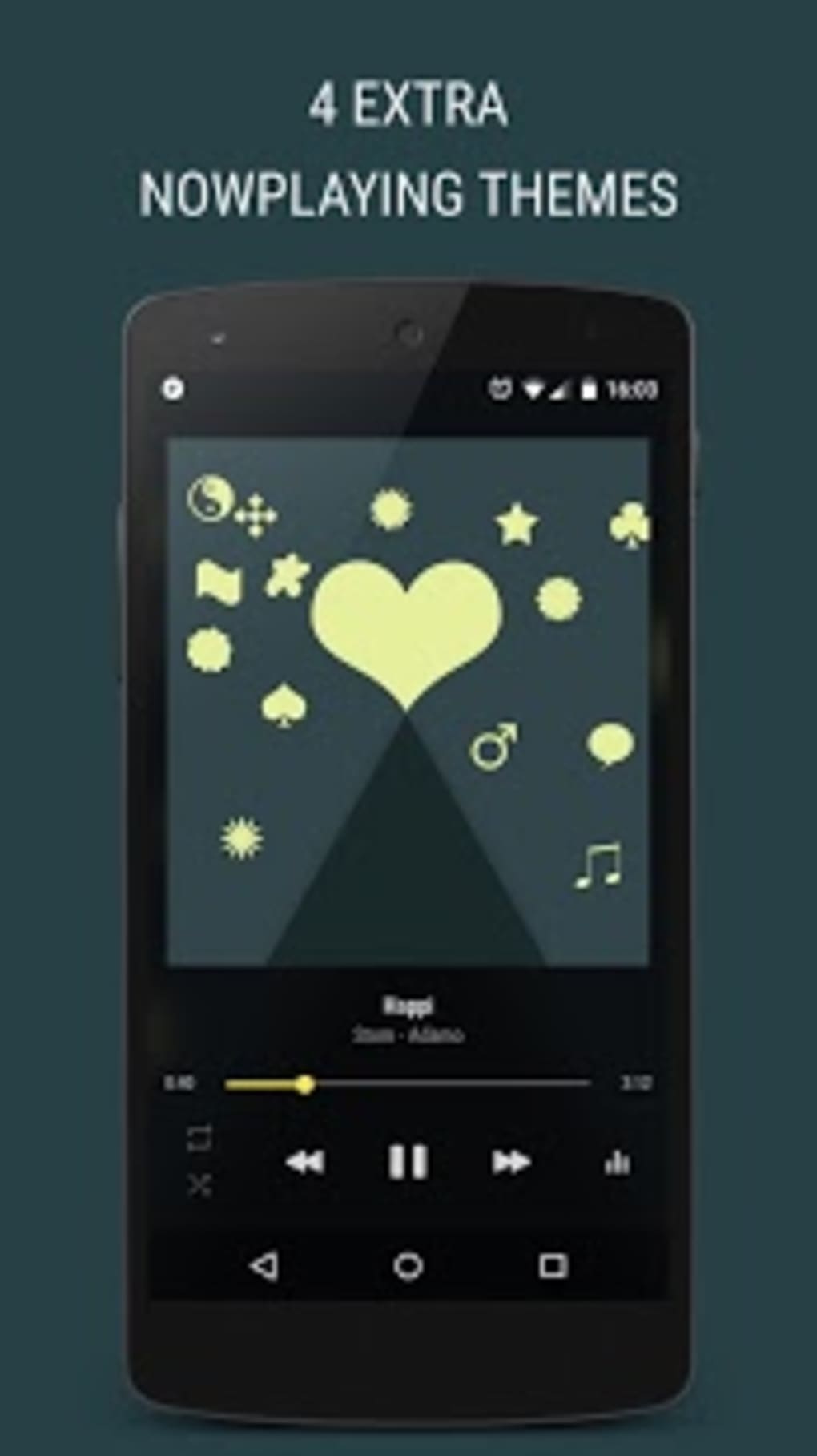
- Customizable Playback Interface – Offers a clean, minimal design with adjustable themes and layout options to suit personal preferences.
- Advanced Playlist Management – Allows users to create, edit, and organize playlists with ease, supporting both local and dynamic playlist generation.
- High-Quality Audio Support – Compatible with a wide range of audio formats, including MP3, WAV, FLAC, and others, ensuring compatibility with diverse music libraries.
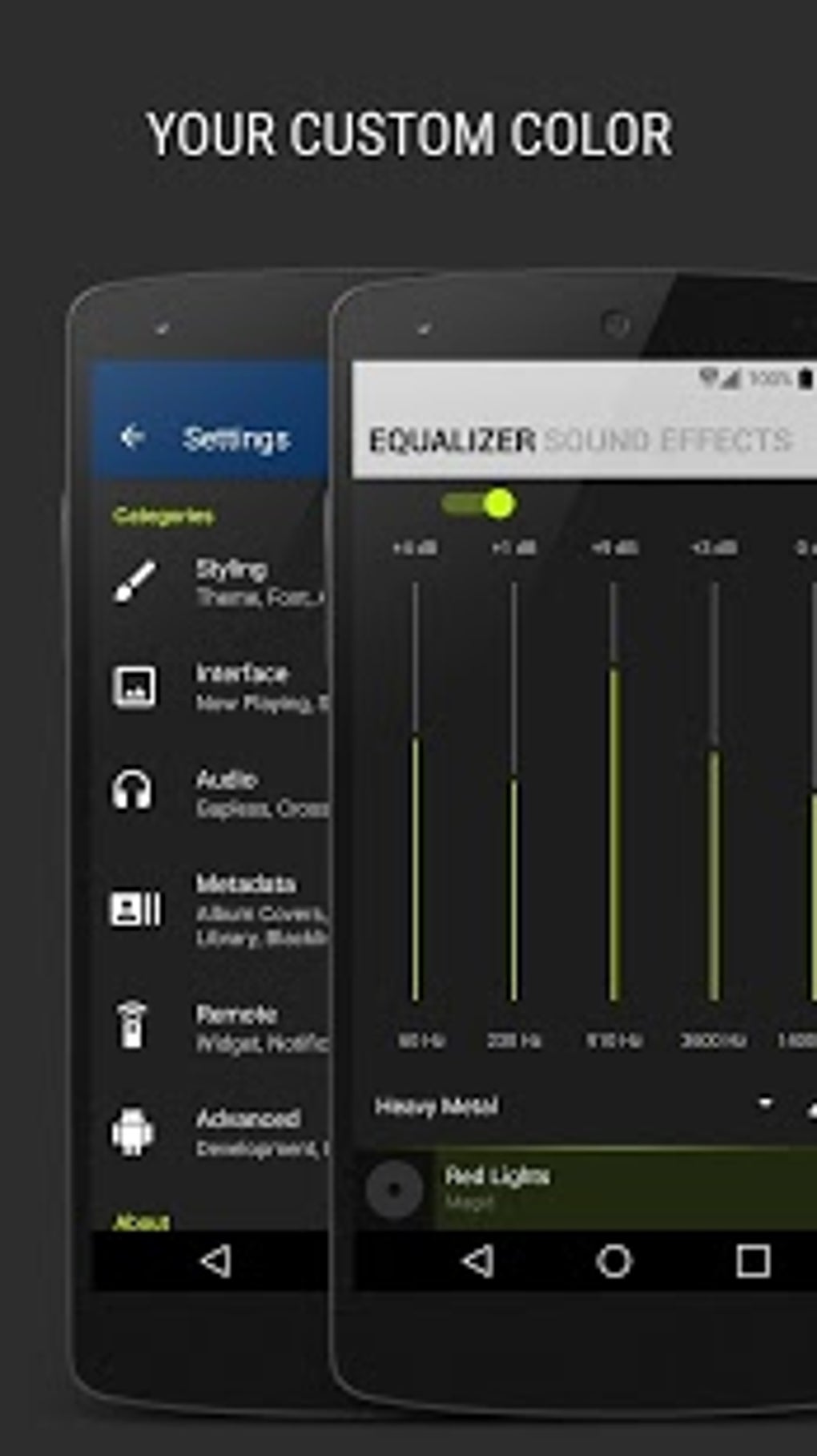
- Equalizer and Audio Enhancements – Includes a built-in equalizer with preset profiles and customizable frequency bands for enhanced sound quality.
- Gesture Controls – Enables intuitive touch gestures for skipping tracks, adjusting volume, and controlling playback directly from the lock screen or notification panel.
- Offline Music Playback – Functions fully without internet connectivity, ideal for users who prefer to store and play music locally.
These features empower users to personalize their listening experience and manage large music collections efficiently. For example, the equalizer can be fine-tuned to match room acoustics or headphone characteristics, while gesture controls allow hands-free operation during physical activity. The app’s focus on core audio playback ensures that users are not distracted by ads or bloatware, maintaining a smooth and uninterrupted experience.
User Interface, Workflow & Performance
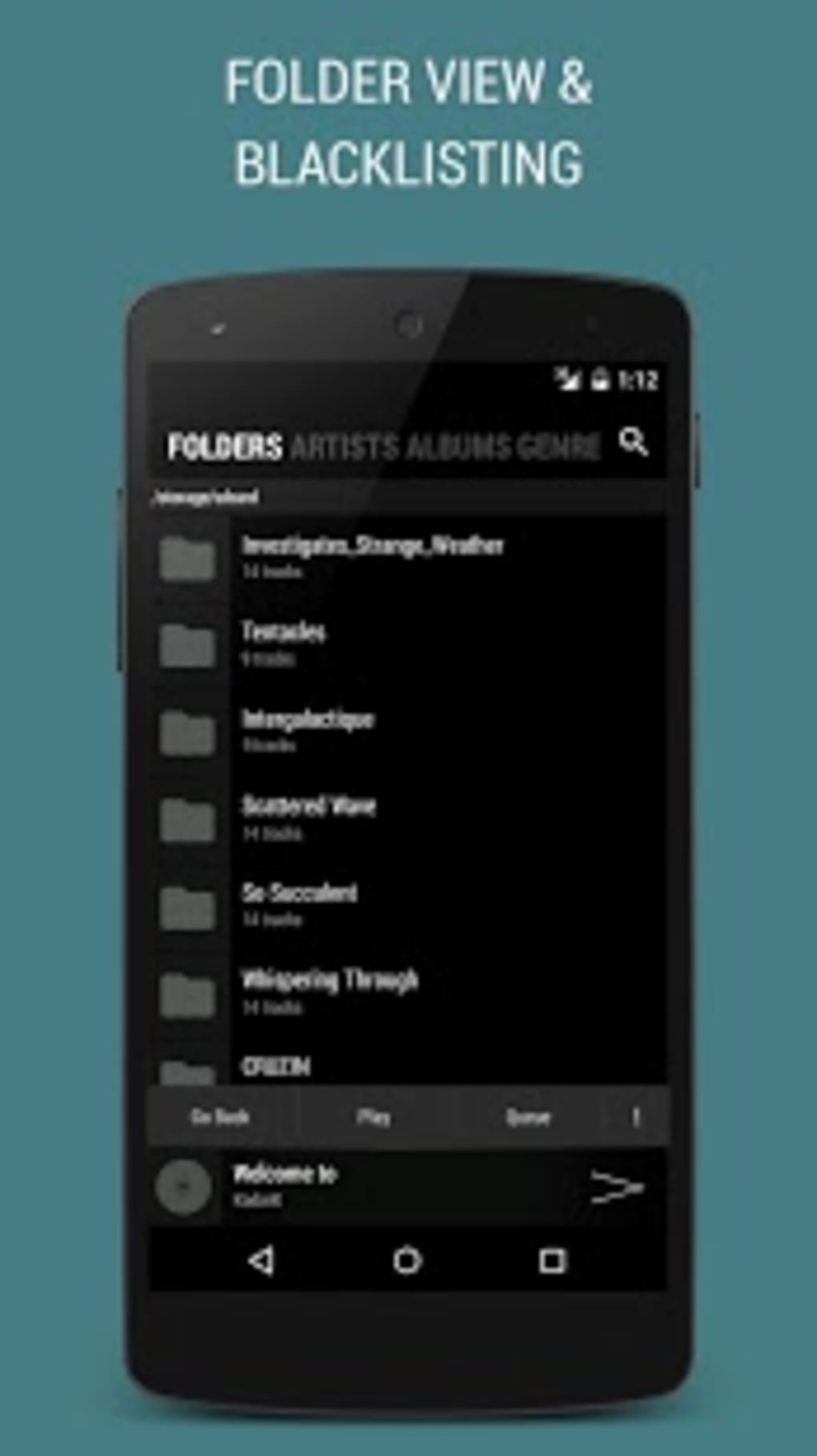
The user interface of BlackPlayer EX is structured around simplicity and functionality. Navigation is intuitive, with a bottom navigation bar providing quick access to main sections such as Library, Playlists, and Now Playing. The layout is optimized for touch interaction, with large, clearly labeled buttons and responsive feedback.
Workflow efficiency is enhanced through features like drag-and-drop playlist editing, smart search filters, and instant access to recently played tracks. The app maintains a consistent performance pattern across devices, though specific resource usage details were not provided. General behavior suggests low CPU and RAM consumption, typical of lightweight Android applications. The developer did not specify performance benchmarks or stability metrics.
Stability appears to be maintained over time, as the app has remained in the catalog since 2017 with a documented update in 2017. However, no recent performance data or user-reported crash logs were available. The app functions reliably within the constraints of the Android ecosystem, particularly on devices running Android 4.3 and above.
Compatibility & System Requirements
BlackPlayer EX is compatible with Android 4.3 and higher, ensuring broad accessibility across a wide range of mobile devices. The app is designed specifically for Android platforms and is not available on other operating systems such as iOS or desktop environments.
The installation size is reported as 11.6 MB, which is relatively small for a full-featured music player. This compact footprint contributes to efficient storage use and faster installation times. The developer did not specify exact hardware requirements, such as minimum RAM or processor speed. Therefore, performance may vary depending on the device’s configuration and overall system load.
Compatibility information was partially provided. Users should ensure their device meets the minimum Android version requirement. No official information on tablet support or compatibility with Android Wear was shared. The app is available only in English, which may limit accessibility for non-English speakers.
Pros and Cons
Pros
- Free to download and use with no in-app purchases or ads
- Lightweight installation size (11.6 MB)
- Supports multiple audio formats including FLAC and WAV
- Customizable interface with theme and layout options
- Offline playback capability without internet dependency
- Intuitive gesture controls for hands-free operation
Cons
- No recent updates since February 2017, raising concerns about long-term support
- Limited availability of official documentation or user guides
- Not available on non-Android platforms
- Only available in English
- Missing modern features such as cloud sync or smart recommendations
FAQ Section
Is BlackPlayer EX available for iOS or desktop?
BlackPlayer EX is exclusively designed for Android devices and is not available on iOS, Windows, or Mac operating systems.
Is the app safe to download and use?
Yes, BlackPlayer EX is a free Android application that has been available since 2017. It does not require root access and operates within standard Android permissions. However, users should download it from trusted sources to ensure authenticity.
Does BlackPlayer EX require an internet connection?
No, the app functions entirely offline. It can play music stored locally on your device without requiring an internet connection.
How often is the app updated?
The last update was released on February 6, 2017. No further updates have been published since then, which may affect compatibility with newer Android versions over time.
What license type does BlackPlayer EX use?
BlackPlayer EX is distributed as free software. It does not require a license key or subscription and is available for personal use without cost.
Final Thoughts + CTA
BlackPlayer EX remains a solid choice for Android users seeking a clean, functional, and ad-free music player. Its lightweight design, support for high-quality audio formats, and customizable interface make it a reliable tool for managing personal music libraries. While the lack of recent updates may raise concerns about long-term compatibility and security, the app continues to function as intended on supported devices.
It is best suited for users who prioritize simplicity, offline playback, and a distraction-free listening experience. Those looking for modern features like cloud integration or AI-driven recommendations may find it limited. However, for core audio playback needs, BlackPlayer EX delivers a dependable and efficient solution.
Download BlackPlayer EX now to enjoy a powerful, free music player tailored for Android.
Guides & Tutorials for BlackPlayer EX Music Player
How to install BlackPlayer EX Music Player
- Click the Preview / Download button above.
- Once redirected, accept the terms and click Install.
- Wait for the BlackPlayer EX Music Player download to finish on your device.
How to use BlackPlayer EX Music Player
This software is primarily used for its core features described above. Open the app after installation to explore its capabilities.
User Reviews for BlackPlayer EX Music Player 0
No reviews found





